One of my first major projects since working at Latham involved building an end-to-end automation solution using Python, Playwright, and PowerShell.
The goal was to automate a complex, multi-step business workflow within an enterprise application that previously took users approximately 2 hours to complete manually.
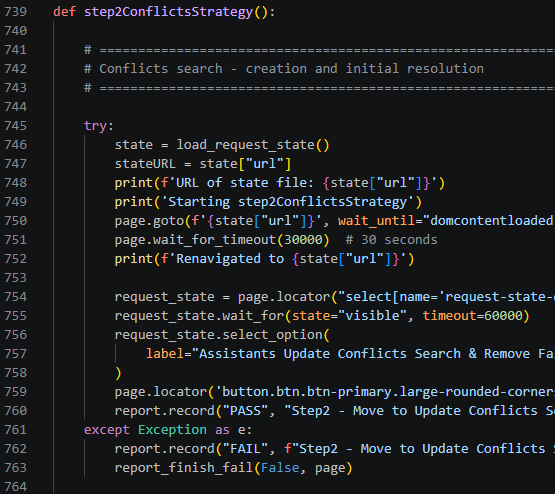
Using Playwright and Python, I developed an automation program that navigates through the workflow, handles different form inputs and options, and validates that the process completes successfully. This reduced execution time to approximately 40–45 minutes, a time reduction of roughly 62–67%.
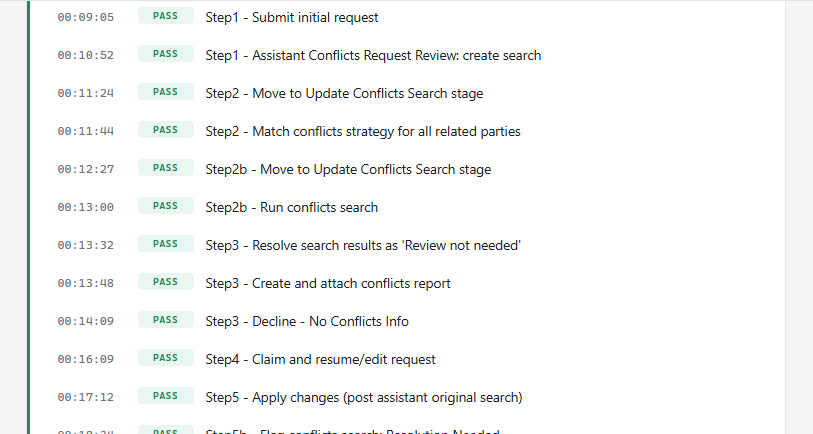
I also incorporated automated email reporting to support ongoing application maintenance and testing. If a workflow fails, the report identifies the failed step and includes a screenshot to help with troubleshooting. Successful executions generate a simple pass notification.
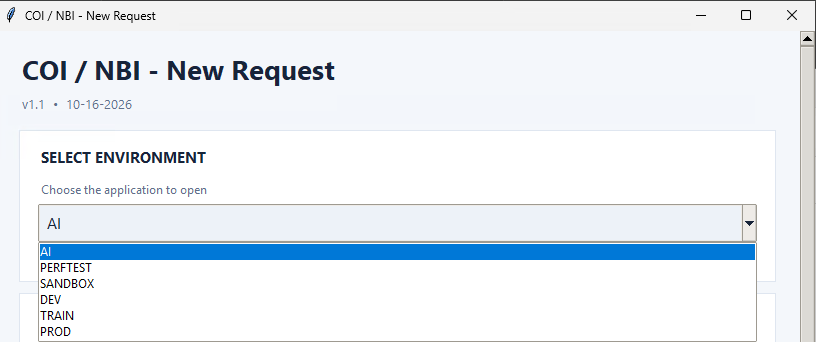
To make the solution accessible to both technical team members and business users, I created a simple GUI and packaged the application as a Windows executable (.exe). Users can launch the automation without needing to interact with Python or manually run scripts, while still being able to watch the browser automation execute.
Technology used:
- Playwright: Browser automation and end-to-end testing.
- Python: Automation logic, workflow execution, and reporting.
- PowerShell: Windows execution and application packaging.
This project was a great opportunity to combine software automation, enterprise application testing, and business process improvement into a practical solution that saves time and makes ongoing maintenance more efficient.
For anyone interested in browser automation, check out Playwright at https://playwright.dev/.
Written 11/07/2026


